Steps to Effective CCTV Installation: CCTV Installation Tips
- hydrxservices
- Jun 11
- 3 min read

Installing a CCTV system is a critical step in securing your property. Whether you want to protect your home or small business, a well-planned CCTV setup can deter crime and provide valuable evidence if needed. I will guide you through the essential steps to ensure your CCTV installation is effective and reliable.
Planning Your CCTV Installation: CCTV Installation Tips
Before you start installing cameras, you need a clear plan. Identify the areas that require surveillance. Focus on entry points such as doors, windows, and driveways. Also, consider blind spots and vulnerable areas like backyards or parking lots.
Create a layout map of your property. Mark the locations where cameras will be installed. This helps you visualize coverage and avoid overlapping fields of view. Choose camera types based on the environment. For outdoor areas, select weatherproof cameras with night vision. Indoor cameras can be smaller and less rugged.
Consider the lighting conditions. Cameras perform best with adequate lighting. If an area is dark, plan to install additional lighting or use cameras with infrared capabilities.

Selecting the Right Equipment
Choosing the right equipment is crucial for a successful CCTV installation. Cameras come in various types: dome, bullet, PTZ (pan-tilt-zoom), and more. Each has specific advantages.
Dome cameras are discreet and suitable for indoor use.
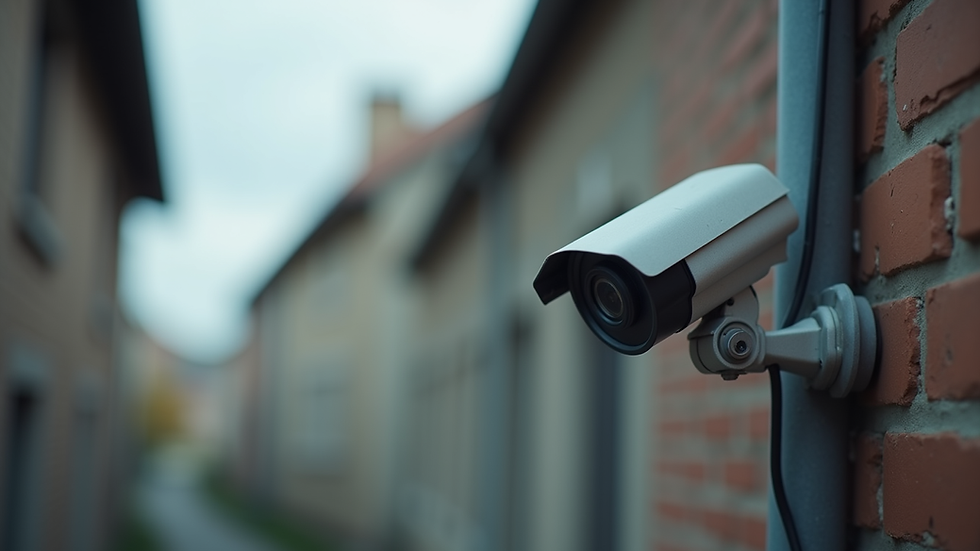
Bullet cameras are visible deterrents and ideal for outdoor use.
PTZ cameras allow remote control to cover large areas.
Next, decide on the recording system. You can use a Digital Video Recorder (DVR) or Network Video Recorder (NVR). DVRs work with analog cameras, while NVRs support IP cameras and offer higher resolution.
Storage capacity is another factor. Calculate how many days of footage you want to keep. Higher resolution and frame rates require more storage space.
Ensure your system supports remote viewing. This feature lets you monitor your property from anywhere using a smartphone or computer.
Preparing for Installation
Preparation makes the installation process smoother. Gather all necessary tools: drills, screws, anchors, cable clips, and a ladder. Check the power supply near camera locations. Cameras need a reliable power source, either through direct wiring or Power over Ethernet (PoE).
Plan cable routes carefully. Avoid running cables near high-voltage lines to prevent interference. Use conduits or cable trays to protect wiring from damage and weather.
Test all equipment before mounting. Connect cameras to the recorder and verify the video feed. This step helps identify faulty devices early.
Installing Cameras and Wiring
Start by mounting the cameras at the planned locations. Use appropriate brackets and anchors to secure them firmly. Position cameras to cover the intended areas without obstructions.
When running cables, keep them neat and secure. Use cable clips or ties to fasten cables along walls or ceilings. For outdoor installations, ensure cables are weatherproofed and sealed at entry points.
Connect the cameras to the recording device and power source. Double-check connections to avoid loose contacts.
After installation, adjust camera angles for optimal coverage. Use the live feed to fine-tune the view and focus.
Testing and Configuration
Once all cameras are installed, conduct a thorough system test. Check each camera’s video quality, night vision, and motion detection features. Verify that the recording device captures and stores footage correctly.
Configure system settings according to your needs. Set motion detection zones to reduce false alarms. Adjust recording schedules to save storage space.
Set up remote access by linking the system to your home or business network. Secure the connection with strong passwords and encryption to prevent unauthorized access.
Regularly update the system firmware to maintain security and performance.
Maintaining Your CCTV System
Effective CCTV installation does not end with setup. Regular maintenance ensures your system remains reliable.
Clean camera lenses periodically to avoid blurry images.
Inspect cables and connections for wear or damage.
Test the system monthly to confirm all cameras function properly.
Replace faulty components promptly.
Consider professional servicing if you notice persistent issues or want to upgrade your system.
For those seeking expert help, I recommend contacting cctv installation surrey for professional advice and installation services tailored to your property.
Enhancing Security Beyond Cameras
CCTV is a powerful tool, but it works best as part of a comprehensive security plan. Combine cameras with alarms, motion sensors, and secure locks.
Educate family members or employees on security protocols. Encourage vigilance and prompt reporting of suspicious activity.
Use signage to inform visitors that your property is under surveillance. This simple step can deter potential intruders.
By following these steps, you can maximize the effectiveness of your CCTV system and enjoy greater peace of mind.
By carefully planning, selecting the right equipment, and maintaining your system, you ensure your CCTV installation delivers the security you need. Take control of your property’s safety today with a well-executed CCTV setup.


Comments